Laptop Repair vs. Replace Calculator
Enter Your Details
Waiting for input...
Enter your costs on the left to see if repairing makes financial sense compared to buying new.
Staring at a blank screen or a cracked display is stressful enough. But when you call for a quote and see a number that makes your eyes water, it feels like theft. You might think, "It’s just a screwdriver job" or "I can buy the part online for twenty bucks." Why does fixing a broken hinge or replacing a battery cost hundreds of dollars?
The short answer is that you aren't just paying for the plastic piece that broke. You are paying for specialized knowledge, proprietary tools, high-risk labor, and the artificial scarcity created by manufacturers who want you to buy new instead of fix.
The Hidden Cost of Proprietary Parts
When you buy a MacBook Pro or a Dell XPS, you aren't buying a collection of standard components. You are buying a sealed ecosystem. Manufacturers design modern laptops with proprietary connectors and unique part numbers that don't exist anywhere else in the world.
If your charging port breaks, you often cannot replace just the port. Because the connector is soldered directly to the motherboard or glued into a chassis that also holds the trackpad, you have to replace the entire logic board or top case assembly. This is known as component-level integration. It sounds technical, but it means one small break ruins a large, expensive module.
Independent repair shops face a harsh reality: they cannot get these parts from the manufacturer. Apple, Dell, HP, and Lenovo reserve genuine parts for their own authorized centers. Third-party technicians must source parts from:
- Pullers: Technicians who buy broken laptops, harvest working parts, and resell them. These parts are used, carry no warranty, and require testing.
- Aftermarket Suppliers: Often based overseas, these parts may look identical but lack quality control. A cheap aftermarket screen might flicker after three months.
- Gray Market Imports: Genuine parts diverted from other regions. These are expensive because they are smuggled out of controlled supply chains.
The markup on these parts isn't greed; it's risk mitigation. If a shop sells you a $50 screen and it fails in a week, they lose money on labor twice. They price the initial repair to cover potential returns and sourcing difficulties.
Labor Isn't Just Time-It's Specialized Skill
We tend to undervalue manual labor in tech. We assume if a phone app can diagnose a problem, a technician can fix it in ten minutes. Modern laptop repair requires micro-soldering skills, precision disassembly techniques, and diagnostic intuition that takes years to develop.
Consider the labor rate. In Auckland, New Zealand, a skilled technician charges between $80 and $120 per hour. That covers their rent, insurance, tools, and living expenses. But the clock doesn't start when they open the laptop. It starts when they begin the complex process of disassembly without breaking hidden clips or tearing thermal pads.
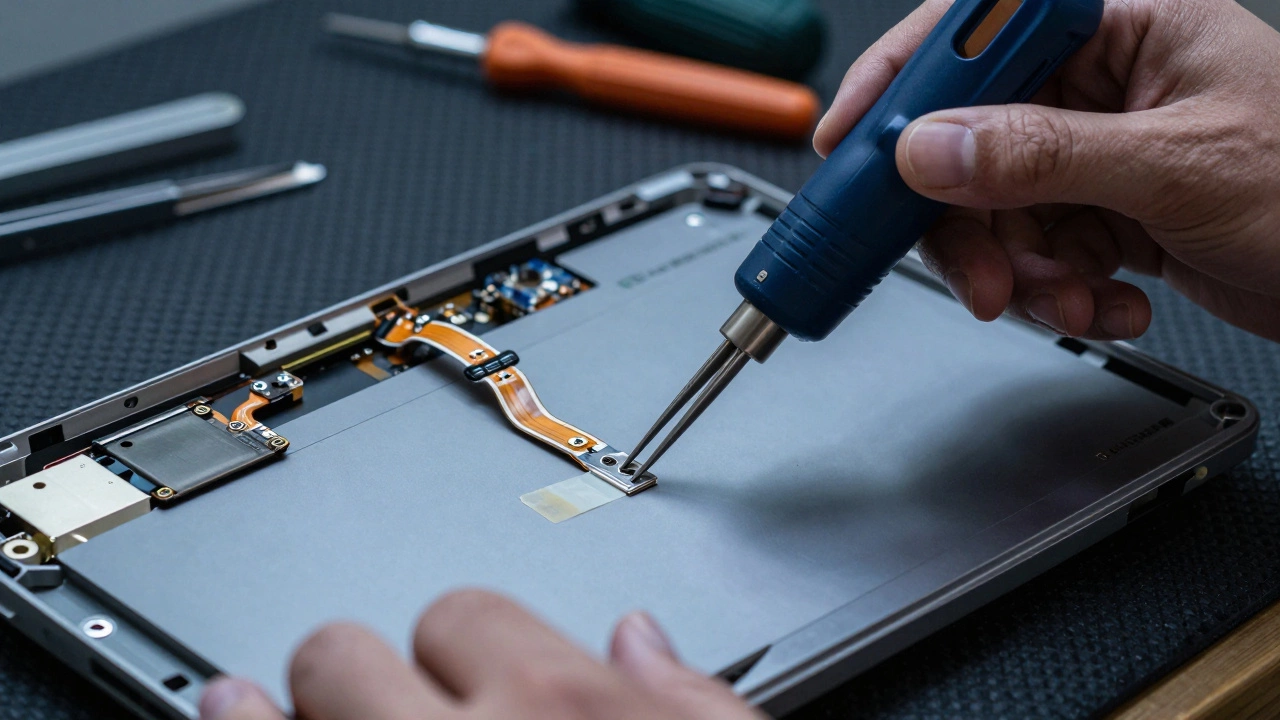
Modern laptops use adhesive bonding instead of screws in many areas. To open a device without shattering the glass lid, a technician needs heat guns, suction cups, and steady hands. One slip with a spudger tool can snap a ribbon cable, turning a $100 repair into a $600 disaster. The high labor cost reflects the concentration required to avoid catastrophic errors.
Furthermore, diagnostics take time. If a laptop won't turn on, is it the power button? The CMOS battery? The DC jack? Or a fried capacitor on the motherboard? Finding the root cause requires systematic testing, which consumes billable hours before any physical repair begins.
The Risk Premium: Working Inside the Beast
There is an unspoken fee in every repair quote called the "risk premium." When you hand over your laptop, you are handing over your data, your photos, and your work. Technicians know that opening a device carries inherent risks:
- Static Discharge (ESD): A single static shock can kill a motherboard instantly. Shops invest in anti-static mats, wrist straps, and ionizers to prevent this.
- Data Loss: While rare, moving drives or updating firmware during repair can corrupt files. Technicians often charge extra for data backup services to protect themselves from liability.
- Cosmetic Damage: Removing a stubborn battery might scratch the chassis. Replacing a keyboard might leave glue residue. The quote includes a buffer for these minor imperfections.
If a technician charges too little, they cut corners. They skip the ESD protection, use generic lubricants that damage plastics, or rush the reassembly. High prices signal a commitment to safety protocols and quality assurance.
How Manufacturer Policies Inflate Prices
Let's talk about the elephant in the room: planned obsolescence and software locks. Manufacturers have a financial incentive to make repairs difficult. If fixing your laptop is easy and cheap, they sell fewer new units.
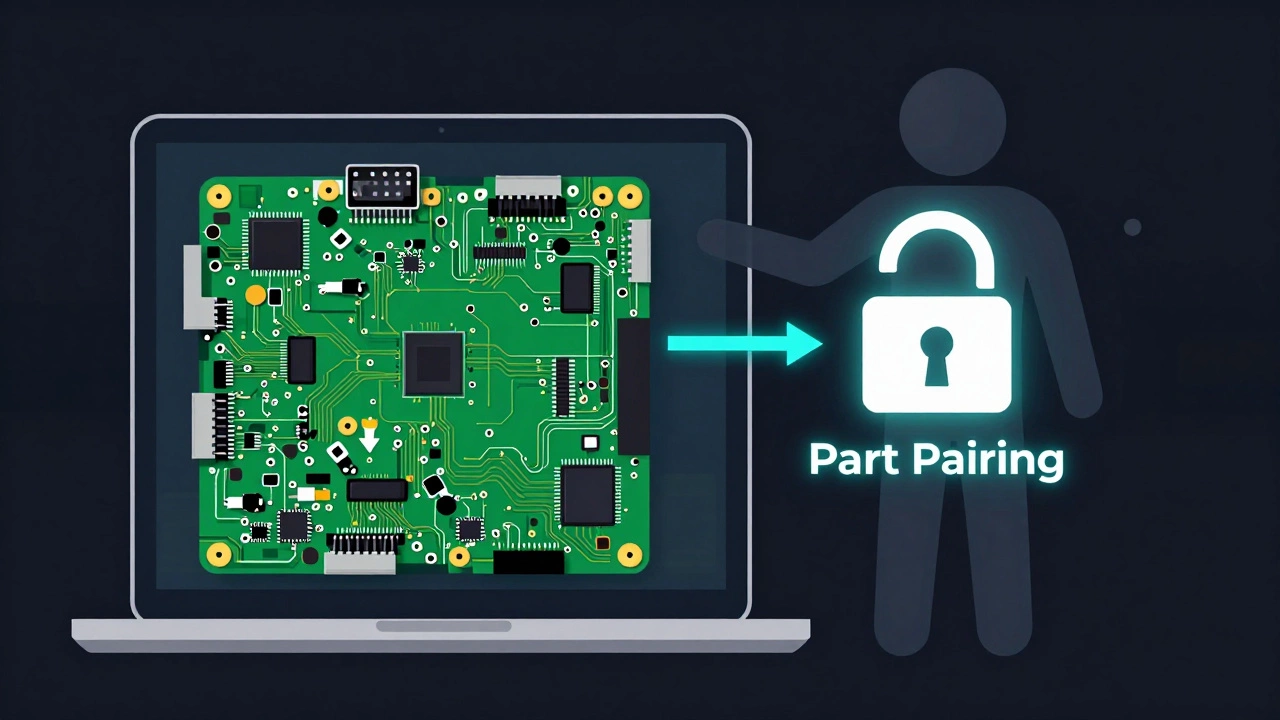
This leads to practices like part pairing. On newer MacBooks and some Windows devices, the battery, screen, and keyboard are digitally paired to the serial number of the original motherboard. Even if you install a brand-new, genuine battery, the system will show an error message saying "Non-Genuine Part" unless the repair is performed through the official channel using their proprietary software.
This forces users into two choices:
- Go Official: Pay the manufacturer's premium price (often 3x higher than independent shops).
- Accept Limitations: Go to an independent shop, pay for the part, but live with a warning banner on your screen forever.
In New Zealand, the Right to Repair movement is gaining traction, pushing for legislation that forces companies to provide parts and manuals to independent shops. Until those laws pass, independent technicians operate in a legal gray area, which adds administrative overhead and uncertainty to their business model.
Comparison: Official vs. Independent Repair
| Factor | Official Manufacturer Service | Independent Tech Shop |
|---|---|---|
| Price | High ($400-$1000+) | Moderate ($150-$400) |
| Parts Source | Genuine OEM | Refurbished, Aftermarket, or Gray Market |
| Warranty | 90 Days - 1 Year | 30 - 90 Days |
| Turnaround Time | 3-7 Days (parts often shipped) | Same Day - 2 Days |
| Software Locks | Bypassed (No Error Messages) | May Trigger "Non-Genuine" Warnings |
When Is It Worth Fixing?
Not every broken laptop deserves a rescue mission. Here is a simple rule of thumb: if the repair cost exceeds 50% of the value of a comparable new machine, consider replacing it. However, there are exceptions.
If your laptop has a solid-state drive (SSD) full of critical work files, a custom operating system setup, or specialized software licenses tied to the hardware, the "soft cost" of migrating to a new machine is huge. In these cases, spending $200 to fix a $1,200 laptop is smart economics.
Also, consider the environmental impact. E-waste is a growing crisis in New Zealand and globally. Extending the life of your device by even two years reduces your carbon footprint significantly. Repair is an act of sustainability, not just frugality.
Tips to Lower Your Repair Bill
You can't change manufacturer policies, but you can control how you approach the repair:
- Get Multiple Quotes: Call three local shops. Ask specifically what part they will use (OEM, refurbished, or aftermarket). Transparency matters.
- Back Up Your Data First: If the laptop still turns on, back up your files. This removes the data recovery urgency and allows the technician to focus purely on hardware.
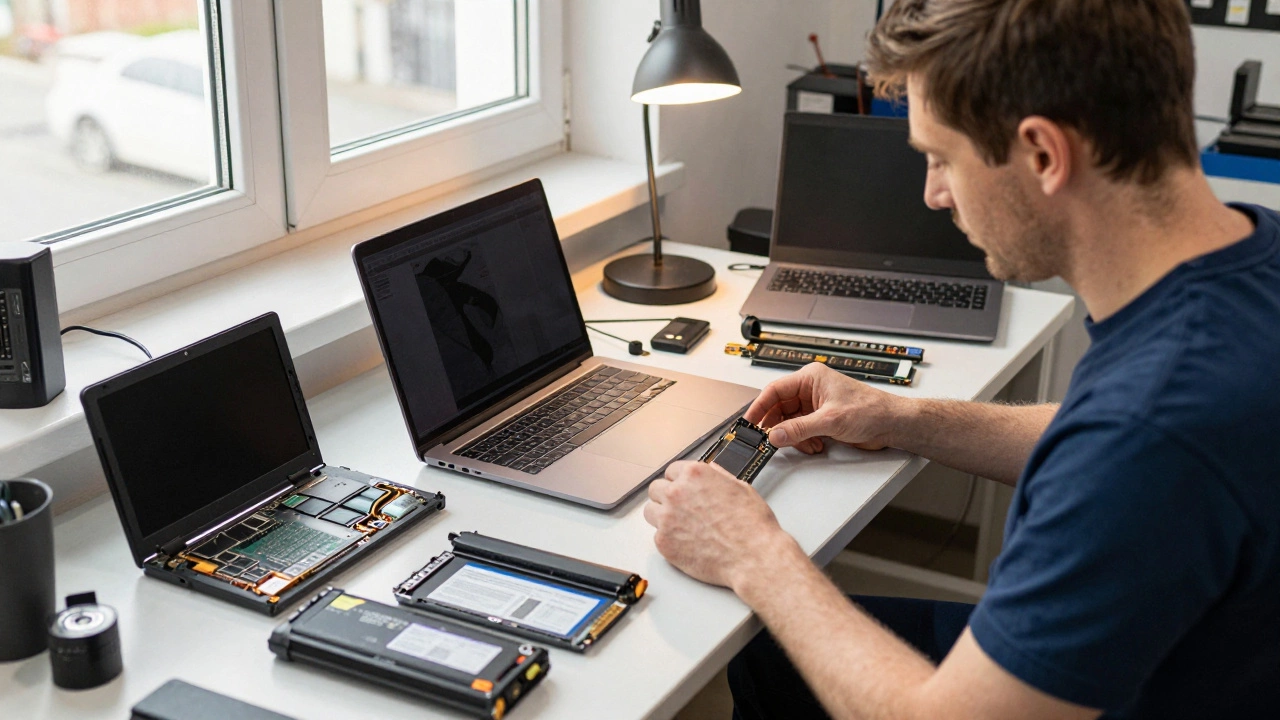
- Ask About Used Parts: For older models, a pulled screen from a donor unit is often more reliable than a cheap aftermarket clone. Ask if they offer this option.
- Preventative Maintenance: Clean your fans annually. Use a surge protector. Avoid eating over the keyboard. Preventing the issue is always cheaper than fixing it.
Understanding why laptop repair is expensive empowers you to make better decisions. It’s not arbitrary pricing; it’s a reflection of complex supply chains, specialized skills, and corporate strategies. By choosing reputable independent shops and understanding the trade-offs, you can keep your technology running longer without breaking the bank.
Is it cheaper to fix a laptop or buy a new one?
If the repair cost is less than 50% of the price of a new equivalent laptop, fixing it is usually cheaper. Additionally, factor in the cost of transferring data and setting up software on a new machine, which can add hundreds of dollars in indirect costs.
Why are Apple laptop repairs so expensive?
Apple uses highly integrated designs where components like screens and batteries are glued and soldered, requiring replacement of entire assemblies rather than individual parts. They also restrict access to genuine parts and diagnostic software for independent repair shops, forcing customers to use their higher-priced official service channels.
Can I repair my laptop myself to save money?
For simple issues like battery replacements or SSD upgrades on older models, yes. However, modern laptops with glued screens and soldered components require professional tools and skills. DIY attempts often lead to further damage, void warranties, and ultimately cost more than hiring a pro initially.
What is "part pairing" in laptops?
Part pairing is a security feature where certain components (like batteries or displays) are digitally linked to the motherboard. If you replace these parts with non-official methods, the laptop may display error messages or limit functionality, even if the new part works physically.
Do independent repair shops use fake parts?
Reputable independent shops do not use "fake" parts but may use refurbished, pulled, or high-quality aftermarket alternatives due to manufacturer restrictions. Always ask your technician about the source and quality of the parts they intend to use before authorizing the repair.