Microwave Troubleshooting Assistant
There is nothing worse than standing in the kitchen with a cold plate of leftovers, only to realize your microwave oven has decided to stop working. You press start, hear the hum of the turntable motor, but the food stays ice-cold. Or worse, you see blue sparks dancing inside the cavity. Before you call a technician or toss the appliance into the recycling bin, take a breath. Many common microwave issues are simple fixes that cost nothing more than a few minutes of your time.
However, we need to address the elephant in the room immediately: safety. A microwave contains a component called a high-voltage capacitor that can hold a lethal electrical charge even when the unit is unplugged. This guide focuses on external troubleshooting, cleaning, and user-accessible adjustments. If your problem requires opening the metal casing, it is time to call a professional. Here is how to diagnose and fix the most common microwave problems safely at home.
The Microwave Won't Start or Turn On
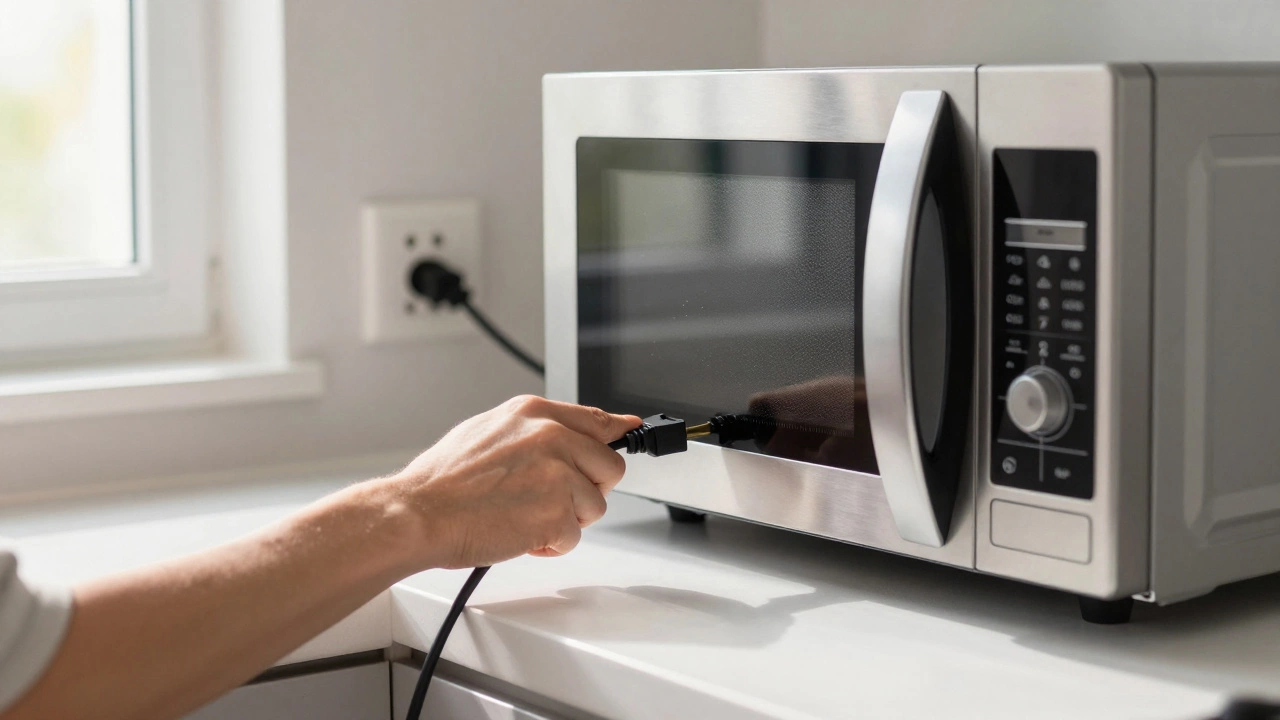
If the display is dark and the buttons do not respond, the issue is usually power-related rather than a broken internal circuit. Before assuming the worst, check the basics. Is the microwave plugged in securely? Sometimes, heavy appliances like refrigerators or dishwashers can bump against the cord, loosening the connection. Give the plug a firm tug to ensure it is seated deep in the socket.
Next, check your home’s circuit breaker or fuse box. Microwaves draw significant power, often tripping a breaker if used alongside other high-draw appliances like a toaster or kettle. Look for a switch that is in the middle position or flipped off. Flip it back on and test the microwave. If the breaker trips again immediately, you have a short circuit inside the appliance, which requires professional repair.
For built-in microwaves, check the control panel lock feature. Many models have a "Child Lock" or "Control Lock" function that disables the keypad to prevent accidental use. Look for a padlock icon on the screen. To unlock it, hold down the "Stop" or "Clear" button for three to five seconds until the lock icon disappears. This simple step resolves countless "broken" microwaves every year.
It Runs But Does Not Heat Food
This is one of the most frustrating symptoms. The light turns on, the turntable spins, and the fan runs, but your coffee remains lukewarm. In technical terms, this means the magnetron-the heart of the microwave-is not receiving power or has failed. While replacing a magnetron is a job for a pro, there are two user-level checks you can perform.
First, inspect the door switches. The microwave will not generate heat if it does not detect that the door is fully closed. Check the hinges and latches for any obstructions. If the door feels loose or does not click firmly shut, the interlock switches may be misaligned. Try closing the door more deliberately. If the problem persists, the door latch mechanism might be worn out. In some cases, tightening the screws on the door hinges (if accessible) can realign the switches, but if the plastic latch is cracked, the door assembly needs replacement by a technician.
Second, consider the usage pattern. Are you trying to heat a tiny amount of food, like a single grape or a small spoonful of sauce? Microwaves work by agitating water molecules. If there is not enough mass, the energy has nowhere to go, and the sensor may think the job is done instantly. Add a cup of water next to small portions to ensure proper heating cycles.
Sparks or Arcing Inside the Cavity
Seeing sparks inside your microwave is alarming, but it is rarely a sign of impending explosion. It is almost always caused by metal reflecting the microwave energy. Microwaves cannot pass through metal; instead, they bounce around, creating intense points of electricity that jump across gaps-this is arcing.
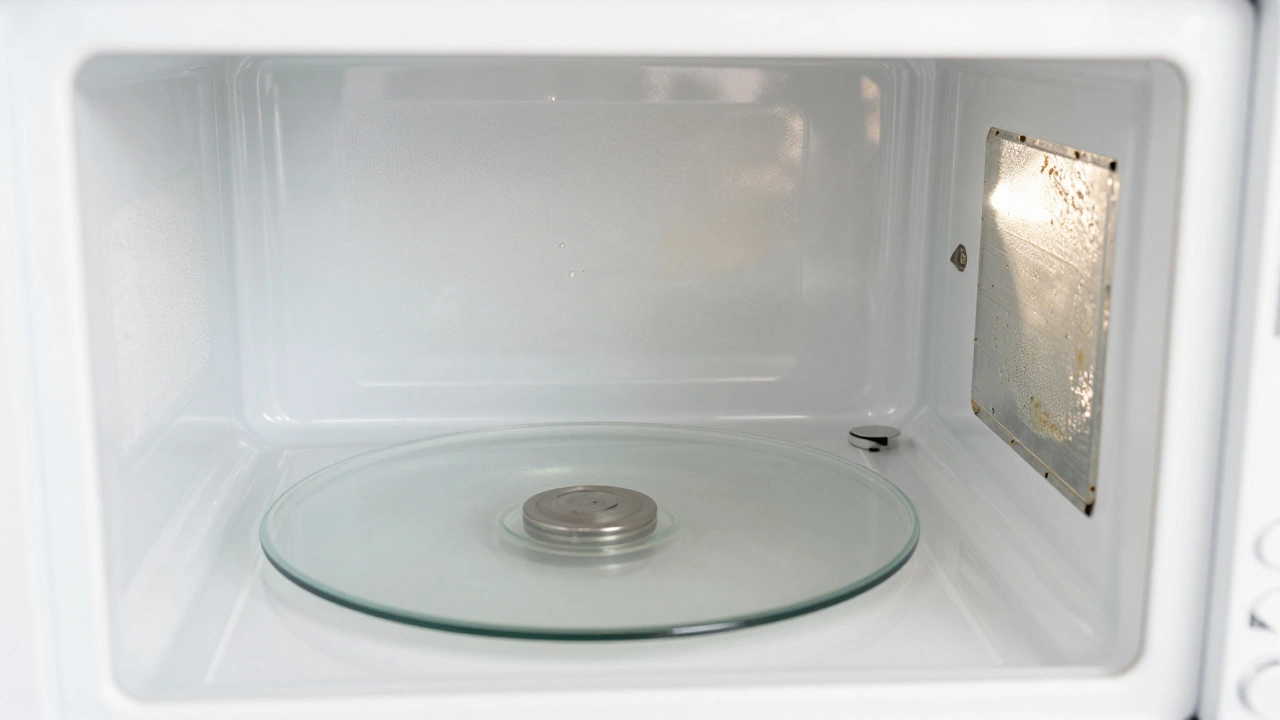
Remove all metal objects from the interior. This includes aluminum foil, metal twist ties, and dishes with metallic paint or gold rims. Even a fork left in a mug can cause sparking. Check the condition of the waveguide cover, a small plastic or mica sheet located on the side wall of the cavity. This cover protects the internal components from food splatter. If it is burnt, torn, or missing, grease and food debris can enter the antenna area, causing arcs. Replacement covers are inexpensive and easy to install; simply snap the old one out and push the new one in.
If the sparking continues after removing all metal and replacing the waveguide cover, the issue could be a damaged enamel coating on the interior walls. Scratches in the white enamel can expose the metal beneath, leading to corrosion and arcing. Light scratches are harmless, but deep pits require professional assessment to prevent further damage.
Unusual Noises: Buzzing, Humming, or Grinding
A quiet whirring sound is normal. Loud buzzing, humming, or grinding noises indicate mechanical failure or obstruction.
- Buzzing: A loud buzz often comes from the high-voltage transformer or the magnetron itself. If the noise started suddenly, the magnetron may be failing. Since this involves high voltage, do not attempt to fix this yourself. However, first rule out a dirty interior. Grease buildup on the ceiling of the microwave can vibrate and create a rattling buzz. Wipe the interior thoroughly with soapy water and let it dry completely.
- Grinding: This sound usually originates from the turntable motor. Check if the glass tray is sitting correctly on the roller ring. If the ring is cracked or the motor gears are stripped, the tray will struggle to rotate, causing a grinding noise. Remove the tray and the roller ring, wash them, and reinstall them carefully. If the noise persists, the turntable motor assembly likely needs replacement.
- Loud Humming: If the microwave hums loudly without heating, it is often a sign of a failing capacitor or diode. These components regulate the power to the magnetron. Again, this is an internal repair job.
Food Stays Cold or Heats Unevenly
If your soup is boiling hot in the center but frozen on the edges, the issue is likely related to how the energy is distributed. Most modern microwaves use a turntable to rotate the food for even cooking. Ensure the glass tray and the roller ring underneath are present and clean. Debris under the ring can jam the rotation, causing the food to stay stationary and heat unevenly.
Some newer models use a "turntable-free" design with a rotating antenna on the ceiling. If your model has this, make sure the ceiling vent is not blocked by tall containers. Additionally, check the stirrer fan behind the waveguide cover. If it is stuck due to dried-on grease, it will not distribute the waves evenly. Clean the area around the waveguide cover gently with a damp cloth.
Another factor is the type of container you are using. Thick ceramic or glass bowls absorb some of the microwave energy themselves, slowing down the heating process. Use shallow, wide containers to allow better penetration of waves. Avoid stacking plates directly on top of each other; leave space between them for air circulation.
When to Call a Professional vs. Replace
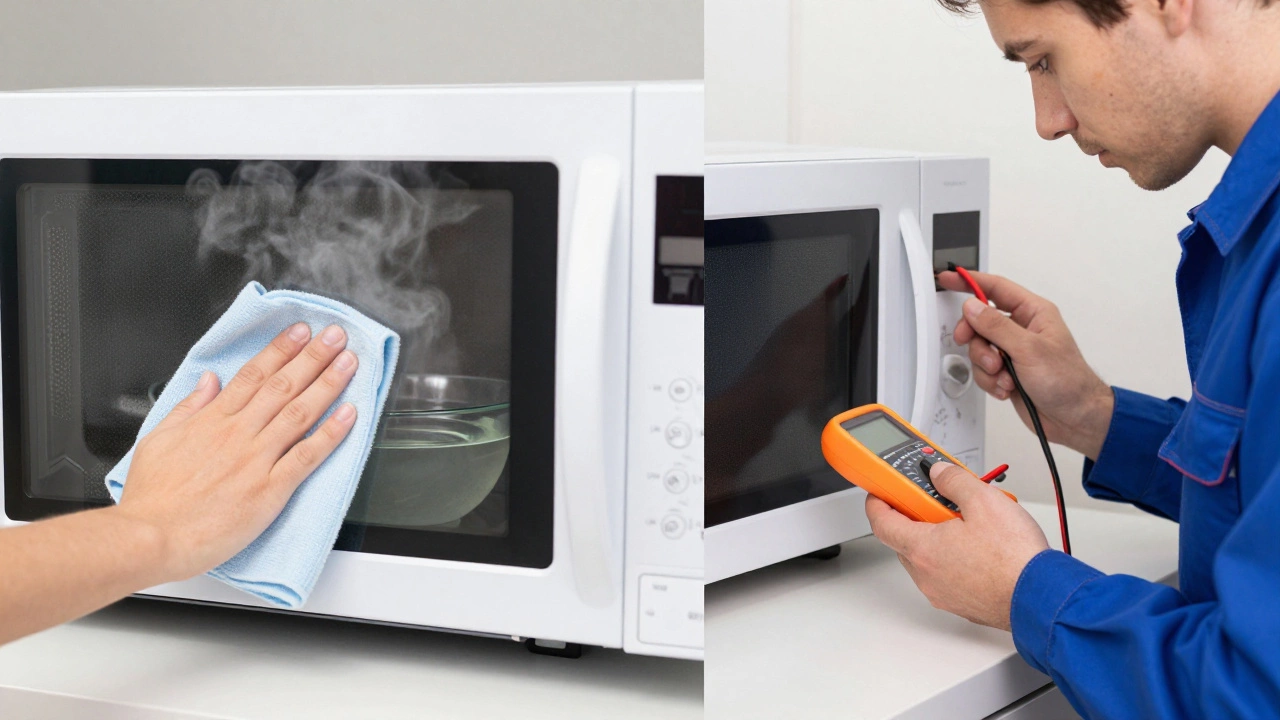
Knowing when to stop DIY troubleshooting is crucial for your safety. You should call a certified appliance repair technician if:
- The microwave smells like burning plastic or ozone.
- You see visible sparks coming from the control panel or exterior vents.
- The error code on the display does not clear after resetting the unit.
- The door does not seal properly or the handle is loose.
Consider replacing the microwave if it is more than 10 years old. Older units are less energy-efficient and lack modern safety features. If the cost of repair exceeds 50% of the price of a new microwave, replacement is the smarter financial choice. For most households, a basic countertop microwave costs between $100 and $300, making repairs for complex internal failures often uneconomical.
| Symptom | Likely Cause | DIY Solution | Professional Help Needed? |
|---|---|---|---|
| No Power | Tripped breaker, loose plug, child lock | Check outlet, reset breaker, unlock controls | No |
| No Heating | Magnetron failure, door switch issue | Check door latch, verify weight settings | Yes (if door is fine) |
| Sparks | Metal objects, damaged waveguide cover | Remove metal, replace mica sheet | No (unless interior is scratched) |
| Loud Noise | Dirty interior, broken turntable motor | Clean interior, reseat turntable | Yes (if noise persists) |
| Uneven Heating | Jammed turntable, wrong container | Clean roller ring, use wider dishes | No |
Maintenance Tips to Prevent Future Issues
Preventive maintenance is the best way to extend the life of your microwave. Clean the interior weekly with a mixture of water and vinegar. Place a bowl of this solution in the microwave and heat it for two minutes. The steam will loosen baked-on grease, making it easy to wipe away. This prevents the buildup that causes odors and potential arcing.
Keep the door seals clean. Wipe the rubber gasket around the door frame with a damp cloth to remove food particles. A dirty seal can prevent the door from closing tightly, triggering safety sensors that stop the microwave from heating.
Avoid running the microwave empty. Without food to absorb the energy, the microwaves reflect back into the magnetron, potentially damaging it over time. If you need to defrost something slowly, use the lowest power setting and check frequently.
Is it safe to open the back panel of my microwave to check connections?
No, it is not safe. The high-voltage capacitor inside can store a dangerous electric charge even when the microwave is unplugged. Only qualified technicians should open the casing. Stick to external troubleshooting like checking plugs, breakers, and cleaning the interior.
Why is my microwave making a buzzing noise but still heating?
A mild buzz can be normal, but a loud buzz often indicates a failing high-voltage transformer or magnetron. First, clean the interior thoroughly to rule out vibration from grease buildup. If the noise is loud and persistent, the component is likely wearing out and should be inspected by a professional before it fails completely.
Can I replace the mica waveguide cover myself?
Yes, this is one of the few internal parts safe for homeowners to replace. The mica sheet is located on the side wall of the cavity. Simply pop out the burnt or torn piece and snap in a new one, which costs around $5-$10 online. Ensure the microwave is unplugged before doing this.
What does it mean if the microwave lights up but doesn't heat?
This usually means the magnetron is not receiving power or has failed. Check if the door is closing properly, as faulty door switches can cut power to the heating element. If the door is secure, the issue is likely a blown fuse, bad diode, or failed magnetron, requiring professional repair.
How long does a typical microwave last?
The average lifespan of a household microwave is 7 to 10 years with regular use. Heavy commercial use can shorten this to 3-5 years. Proper cleaning and avoiding running the unit empty can help maximize its longevity.